All tools
Every tool here is free, needs no sign-up and runs in your browser, so what you type stays on your device. Pick one to start.
Every tool, free
Make a QR code
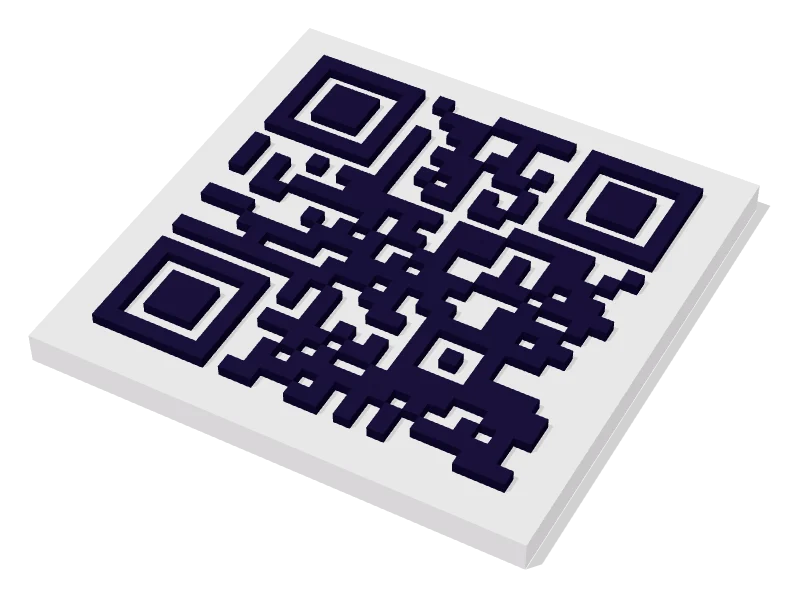
- 3D QR codeSpin it, zoom it, 3D-print it. Download a free STL for signs, coasters and keychains.
- Animated 3D QRA QR code that stands up into a burger, a snake or a campfire, then folds back into a code. Download a GIF or video.
- QR code generatorTurn any link or text into a QR code. Pick colors and styles, download PNG or SVG.
- QR code with logoAdd your logo, brand colors and rounded dots. It still scans.
- QR codes that never expireFree static QR codes with no expiry date, no sign-up and no subscription behind them.
- Text to QR codePut any plain text in a QR code: messages, codes, instructions or notes.
- SVG & transparent QRVector SVG and transparent PNG QR codes for designers and professional print.
- Circle QR codeRound QR codes for stickers, badges, coasters and logos.
Animated QR codes
- GIF QR code makerA QR code GIF that moves, then holds still so people can scan it.
- Video QR code generatorAn animated QR code as an MP4 for Reels, TikTok and YouTube.
- QR code overlayA see-through animated QR code to put on top of streams and videos.
- Circle 3D QR codeA round QR code with a 3D scene standing on it, folding back into a circle that scans.
- Cool QR code makerMoving, 3D QR codes: snakes that strike, campfires, birds and confetti.
- QR code with animated logoYour favourite brand or platform logo, standing up in 3D on your QR code.
Share something
- Wi‑Fi QR codeLet guests join your Wi‑Fi with one scan instead of spelling out the password.
- Contact card QRA digital business card in a QR code. One scan saves your details to their phone.
- WhatsApp QR codeCustomers scan and land straight in a WhatsApp chat with you, message pre-filled.
- Email QR codeOpens a ready-to-send email with your address, subject and message filled in.
- SMS QR codeOpens a text message to your number with the message already typed.
- Google Form QR codeTurn any Google Form link into a QR code for surveys, sign-ups and feedback.
- Business card QR codeAdd a QR code to your business card so people save your details in one scan.
- Location QR codeOne scan opens Google Maps at your address, ready for directions.
- Facebook QR codeSend people straight to your Facebook page, group, post or event.
Barcodes and bulk
- Bulk QR generatorPaste a list or upload a CSV and download hundreds of QR codes as a ZIP.
- Barcode generatorCode 128, EAN-13, UPC-A, Code 39 and more. Download PNG or SVG, one or a thousand.
- Bulk barcode generatorPaste a list of values and download hundreds of barcodes as a ZIP.
Read and check
Guides
Step-by-step guides to making, printing, sharing and tracking QR codes.
- How QR codes workWhat the squares mean, how much a code can hold, why a logo doesn’t break it, and static vs dynamic codes.
- How to print a QR code that scansSize, contrast, file format, materials and testing, so the code works on paper, not just on screen.
- How to spot a QR code scamWhere fake QR codes turn up, how to read a link before you open it, and what to do if you already scanned one.
- How to 3D print a QR codeModel size, filament, two-colour methods and slicer settings for a printed QR code that scans first time.
- Static vs dynamic QR codesWhat each type is, what a dynamic code really costs, and a free way to get editable codes that never expire.
- Wi‑Fi QR codes for guestsLet guests join your Wi‑Fi in one scan at a café, holiday rental or office, without giving away more than you mean to.
- QR code menus for restaurantsBuild a menu guests can read on a phone, print table codes that scan, and update prices without reprinting.
- How to track QR code scans for freeMeasure which posters, flyers and tables get scanned using campaign tags and your own analytics, without a subscription.
- How to scan a QR codeScan with the camera on iPhone or Android, read codes already on your screen, and fix a camera that won’t react.
- Get more Google reviews with a QR codeFind your review link, turn it into a QR code, put it where happy customers will see it, and stay within Google’s rules.